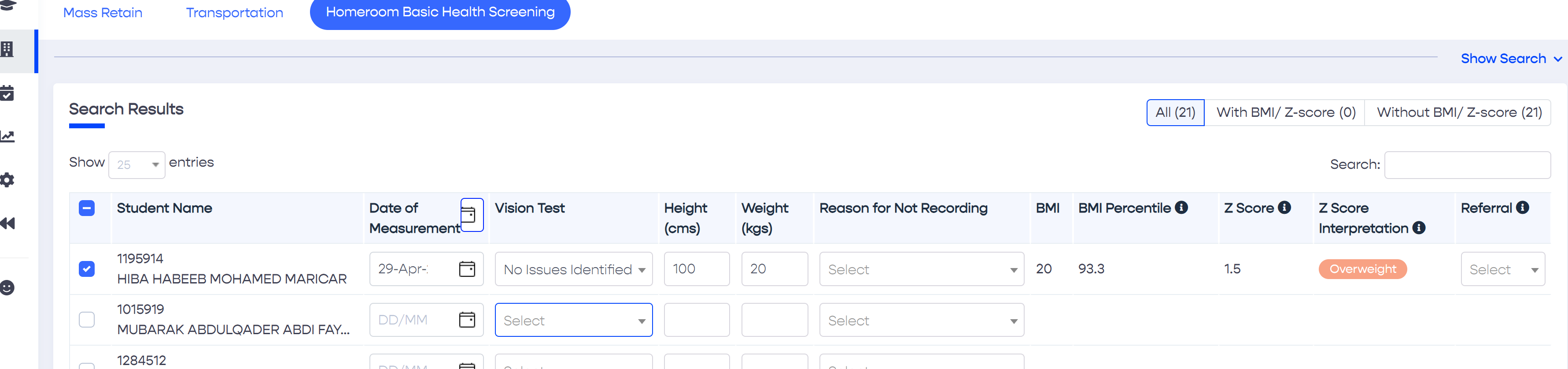
A student's basic health screening information is added or updated by performing the following steps: -
Using Keyboard Navigation
To enter basic health screening information, position the cursor in the Vision Test field of the first student in the table. Using the keyboard arrows, navigate to the desired value in the list and then press enter to select it. To move to next field, i.e. Height, press the Tab key to move to the Weight field. Once the Weight is entered, click Tab again to navigate to the Vision Test field of the next student in the table.
Place a QR code on your product or machinery to let a user easily retrieve the user guide documentation for it.
Right-click and 'copy'