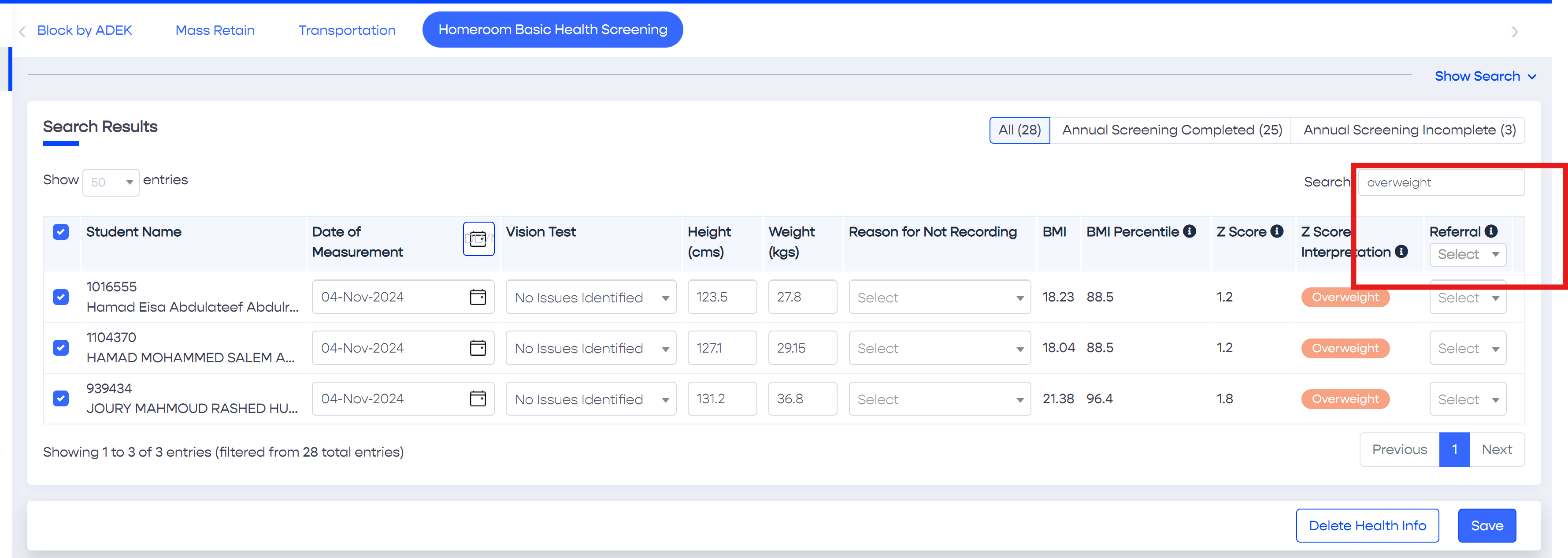
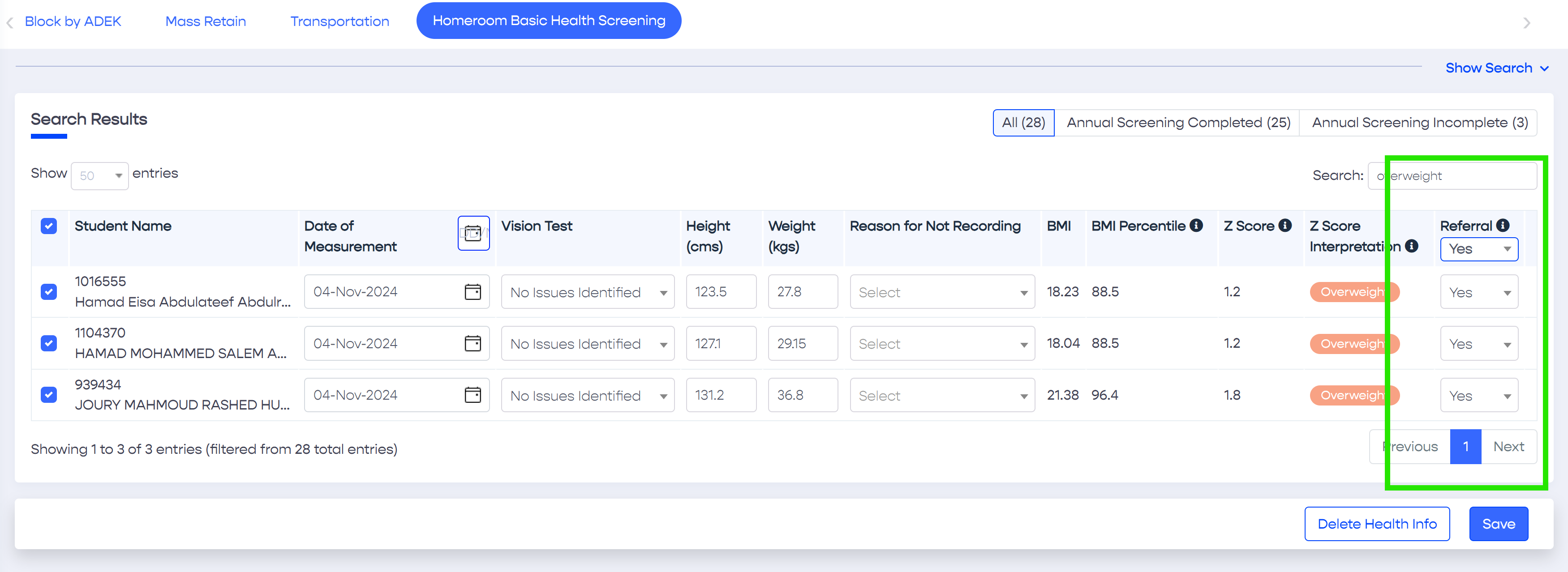
This option is useful in case health records are already saved for several students however the referral is not updated. In this case, do the following steps
Tip
If you have already entered basic health screening information for several students, for example one or more homerooms or possibly the entire school, and now you wish to update the referrals. You can do so by searching for students who are of abnormal growth, for example overweight, obese or severely obese, and update the referrals with one action by selecting "Yes" in the dropdown list placed in the Referral column header.
Selecting the required students can be done in two ways.
Place a QR code on your product or machinery to let a user easily retrieve the user guide documentation for it.
Right-click and 'copy'